DNS zones & records
Add a domain as a zone, point your registrar's nameservers at Ekire, and we become the authoritative DNS for it. Every record you manage here goes live on our nameservers the moment you save.
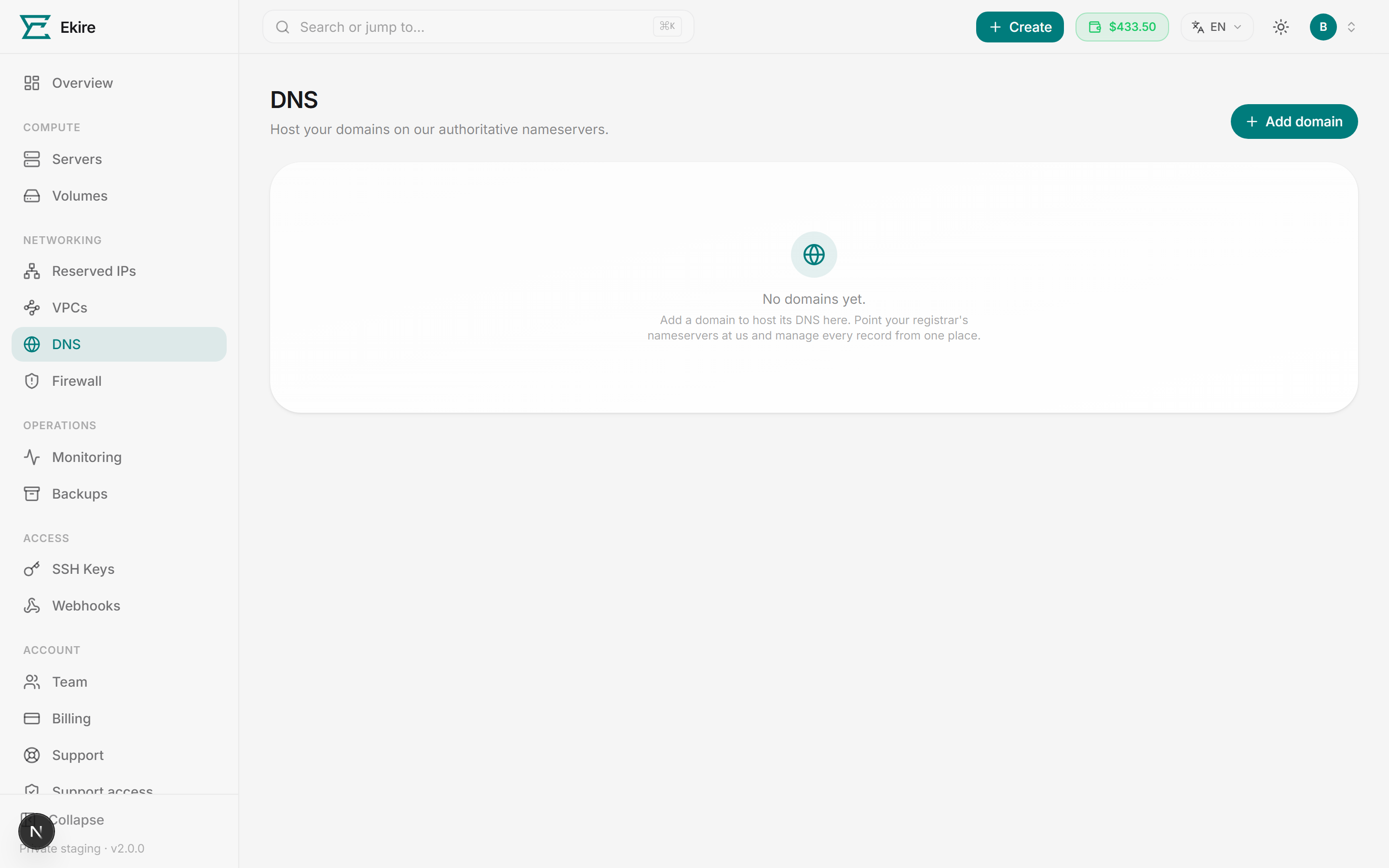
The DNS page lists every zone in your account. Each one shows the domain name, a status chip (Active once it's live on our nameservers), and when you added it. Click a zone to manage its records, or use the delete button to remove it.
Create a zone
Add the apex, or root, domain (example.com) as the zone — never a subdomain, www, or a URL. That's
the name we answer DNS for.
Open Add domain
On the DNS page, click Add domain in the top-right. The button stays in the top-right header even from an empty account, where the card shows only guidance text.
Enter the root domain
Type the apex domain — for example example.com. No www, no http, no trailing path. We validate
the format before the button unlocks.
Add the domain
Click Add domain. The zone appears in the list and moves to Active once it's live on our nameservers. You can then open it to add records.
One zone per domain
You host up to 25 zones. Add each domain once as its apex — records for www, mail, and other
subdomains all live inside that one zone.
A domain can be hosted by only one Ekire account, and that includes the names around it: if another
account already hosts example.com, you can't add shop.example.com (or the reverse), and the add is
refused with "That domain overlaps a zone another account hosts here." Nesting zones inside your own
domains is fine. If you own a domain someone else is hosting here, contact support. Common public suffixes such as
co.uk or com.au can't be added — add the domain you registered under them (example.co.uk).
Point your domain at Ekire's nameservers
Creating a zone tells Ekire to answer for your domain, but the internet won't ask us until your domain's nameservers point here. That change is made at your domain registrar — the company you bought the domain from — not in Ekire.
Log in to your registrar, find the nameserver (NS) settings for your domain, and replace whatever is there with Ekire's authoritative nameservers. The console doesn't list them — ask support for the exact hostnames to use.
Delegation takes a little while
After you update nameservers at the registrar, the change can take anywhere from a few minutes to a day to spread across the internet, depending on your registrar and the old records' cache times. Until then, some resolvers may still use your previous DNS.
Manage records
Open a zone to see its records. The table lists each record's Name, Type, Value, and TTL, and edits save straight to our nameservers.
Names are written relative to the zone: use @ for the root domain itself, or a label like www or
mail for a subdomain. Wildcards (*.example.com) and underscore labels (like _dmarc) are supported for
records that need them.
Ekire offers these record types:
| Type | What it's for | Value you enter |
|---|---|---|
| A | Point a name at an IPv4 address — usually a server. | An IPv4 address, e.g. 203.0.113.10 |
| AAAA | Point a name at an IPv6 address. | An IPv6 address, e.g. 2001:db8::1 |
| CNAME | Alias one name to another hostname. | A hostname, e.g. target.example.com |
| MX | Route email for the domain to a mail host. | A mail host, e.g. mail.example.com, plus a priority |
| TXT | Free-form text — SPF, DKIM, DMARC, domain verification, and more. | Text, e.g. v=spf1 include:_spf.example.com ~all |
| NS | Delegate a subdomain to other nameservers. | A nameserver hostname, e.g. ns1.example.com |

Add a record
Open Add record
Inside a zone, click Add record in the top-right.
Set the name and type
Enter the Name (@ for the root, or a label like www) and choose the Type — A, AAAA, CNAME,
MX, TXT, or NS.
Enter the value
Fill in the Value for that type. For MX, you'll also set a Priority (0–65535) — lower numbers are tried first. We validate the value against the record type before saving.
Pick a TTL and save
Choose a TTL — how long resolvers may cache the answer. Presets range from 5 minutes to 1 day, defaulting to 1 hour. Click Add record and it's live immediately.
TTL and propagation
Your change reaches our nameservers instantly, but resolvers around the world keep answers cached until the record's TTL expires. Planning a change to a critical record? Lower its TTL a day ahead so the switch takes effect quickly.
A few records are refused rather than saved: one identical to a record already in the zone, anything past the zone's limit of 200 records, and a CNAME sharing a name with any other record — the DNS standard forbids that pairing, whichever you add second.
To remove a single record, click the delete button on its row and confirm.
Delete a zone
To stop hosting a domain, use the delete button on the zone's row in the DNS list, then type the domain name to confirm.
Deleting a zone removes every record
Deleting a zone removes it and all of its DNS records from our nameservers. This can't be undone, and your domain will stop resolving through Ekire until you recreate it or point the registrar elsewhere.
If our nameservers won't tear the zone down, we keep it rather than lose track of it: the zone stays in your list with a Teardown failed chip, and you can run the delete again.