Webhooks
Register one endpoint and Ekire sends it a signed HTTP POST every time a subscribed event fires — a
server boots, a payment lands, a ticket gets a reply — instead of polling the API on a timer. Each delivery
is signed, and every attempt is logged with what was sent and how your endpoint responded.
You'll find everything under Webhooks in the console.
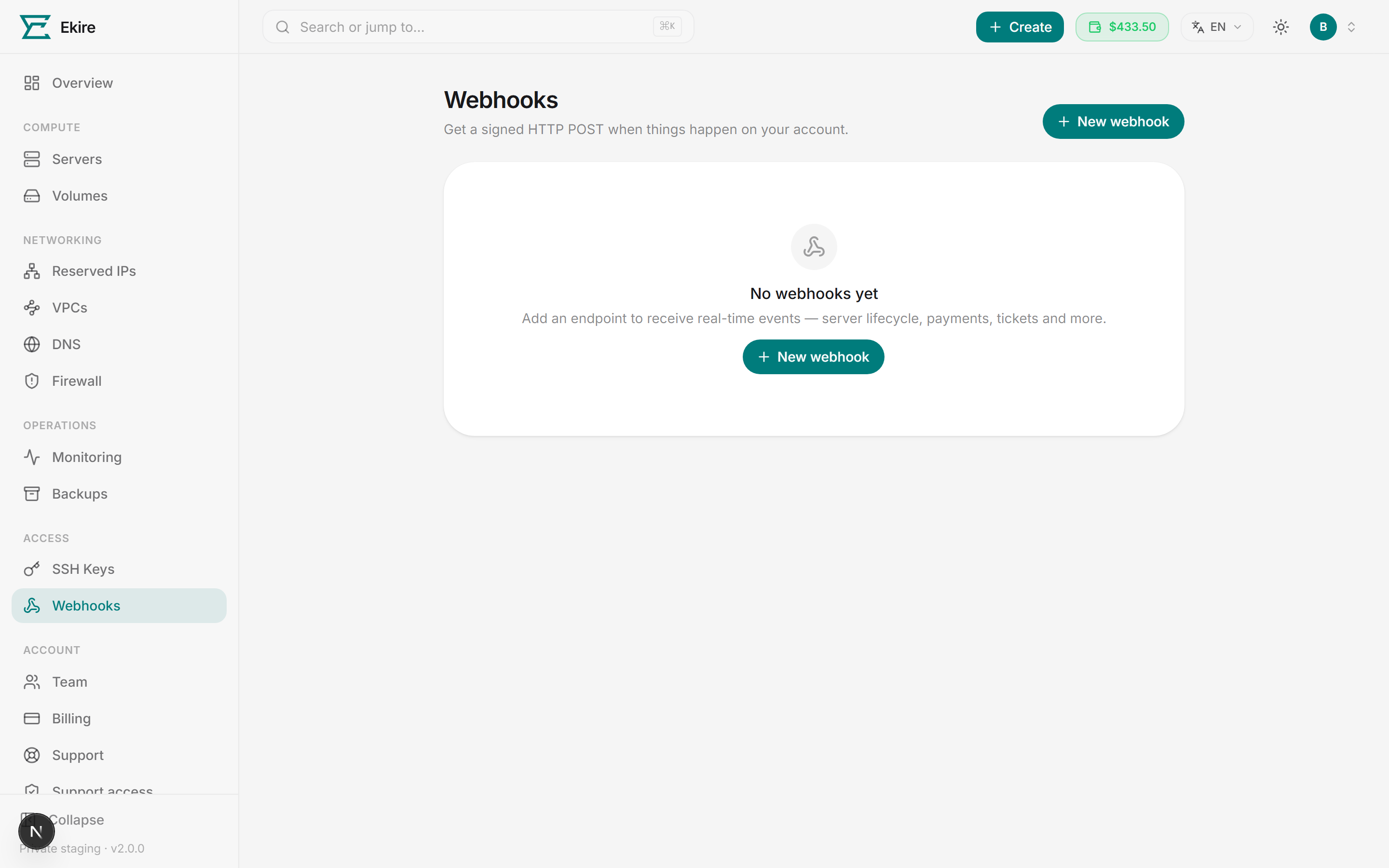
Create an endpoint
Creating an endpoint pairs one URL with the events you want sent to it and generates a signing secret, shown once — copy it right then and store it somewhere safe.
Open the new-webhook form
Click New webhook on the Webhooks page.
Enter your endpoint URL
Paste the public URL that should receive events, e.g. https://api.example.com/hooks/ekire. This is
where we'll POST every delivery.
Choose the events
Tick the events you care about — grouped under Servers, Billing, and Support — or use Select all. You must pick at least one.
Add a description (optional)
A short note about what the endpoint is for, so it's recognizable later in the list.
Create and copy the secret
Click Create webhook. Your signing secret (it starts with whsec_) appears once at the top of the
page. Copy it now — you'll need it to verify every delivery, and it can't be shown again.
Endpoints must be public HTTPS
The URL must be a public https:// address that resolves to a non-internal host — deliveries carry
balances and server inventory, so we won't send them in cleartext. Endpoints pointing at private,
loopback, or otherwise internal addresses are rejected when you save, and re-checked on every delivery.
You can register 20 endpoints, and at most 3 of them may point at the same host.
Once created, an endpoint can be paused with its toggle or deleted at any time in the console; editing its
URL, events, or description is done through the API. Use the Test
button on a row to send a synthetic ping event so you can confirm your endpoint receives and verifies us.
Events you can subscribe to
Every delivery names its type in the X-Ekire-Event header and in the envelope's event field. These are
the events available today:
| Event | Fires when |
|---|---|
instance.created | A server is created |
instance.destroyed | A server is destroyed |
instance.started | A server is powered on |
instance.stopped | A server is powered off |
instance.rebooted | A server is rebooted |
instance.resized | A server is resized to a different plan |
payment.succeeded | A payment to your wallet succeeds |
wallet.low_balance | Your wallet balance runs low |
account.suspended | Your account is suspended |
account.reactivated | Your account is reactivated |
ticket.created | A support ticket is opened |
ticket.replied | A support ticket receives a reply |
What a delivery looks like
Each delivery is an HTTP POST with a JSON envelope. The data field carries the event-specific payload:
{
  "id": "8f2b1c9e-…",
  "event": "instance.created",
  "createdAt": "2026-07-19T10:00:00.000Z",
  "data": { "…": "event-specific fields" }
}
Alongside the body, we send these headers:
| Header | Value |
|---|---|
Content-Type | application/json |
User-Agent | Ekire-Webhooks/1 |
X-Ekire-Event | The event type, e.g. instance.created |
X-Ekire-Delivery | The unique delivery ID (matches id in the body) |
X-Ekire-Timestamp | Unix time (seconds) the delivery was created — the same instant as the envelope's createdAt. It stays constant across retries. |
X-Ekire-Signature | The signature, as sha256=<hex digest> |
Verifying the signature
Every delivery is signed with HMAC-SHA256 using your endpoint's signing secret. This lets you confirm a
request genuinely came from Ekire and wasn't tampered with. The signed value is the timestamp and the raw
request body joined with a . — that is, "{timestamp}.{body}" — and the resulting digest is sent as a
lowercase hex string in the X-Ekire-Signature header, prefixed with sha256=.
To verify a delivery:
- Read
X-Ekire-TimestampandX-Ekire-Signaturefrom the request headers. - Compute
HMAC-SHA256("{timestamp}.{raw_body}", your_secret)and hex-encode it. - Compare
sha256=<your digest>to the header value using a constant-time comparison. - Optionally reject deliveries whose timestamp is too old to blunt replay attempts. The timestamp is fixed at creation and retries span roughly five minutes, so your window must be wider than that or you'll reject legitimate final retries.
Use the raw request body exactly as received — re-serializing the JSON can change bytes and break the match.
# Inputs: raw_body, headers, and your signing secret (whsec_…)

timestamp = headers["X-Ekire-Timestamp"]
signed    = timestamp + "." + raw_body            # note the "." separator
expected  = "sha256=" + hmac_sha256_hex(secret, signed)

# Constant-time compare — reject if it doesn't match.
if not constant_time_equal(expected, headers["X-Ekire-Signature"]):
    reject(400)

# Optional replay defense: 10 minutes, wide enough to cover the retry span
# (the timestamp is fixed at creation; the 6th attempt arrives ~310s+ later).
if abs(now_unix() - to_int(timestamp)) > 600:
    reject(400)

# Signature is valid — process the event.
Keep your secret secret
Anyone with the signing secret can forge deliveries. Store it in a secrets manager, never in client-side code or source control. If it may be exposed, delete the endpoint and create a new one to rotate it.
Delivery and retries
Your endpoint should return a 2xx status quickly to acknowledge a delivery. Anything else — a non-2xx status, a redirect, a timeout, or a connection error — counts as a failed attempt.
- Timeout. We wait up to 10 seconds for a response, so acknowledge fast and do heavy work afterward.
- Retries. A failed delivery is retried with exponential backoff — up to 6 attempts total,
spanning roughly 10 seconds to a few minutes. Because a delivery can arrive more than once, treat the
X-Ekire-DeliveryID as an idempotency key. - No redirects. We don't follow
3xxresponses; a redirect is treated as a failure. Point the endpoint at its final URL. - Health and auto-pause. Each row shows whether an endpoint is Healthy or Failing, with the current streak. After 20 consecutive failed deliveries an endpoint is automatically paused so we stop hammering a dead URL. Re-enabling one the platform paused waits out a one-hour cooldown timed from the first failure in the streak, so a streak that piled up slowly is usually past it already and the toggle works right away; inside that hour it's refused, and every re-enable restarts the clock. The streak stays where it is until a delivery actually succeeds, so an endpoint that's still broken is paused again on its next failure. An endpoint you paused has neither restriction, as long as its streak is under 20 — pause one already sitting at 20 or more and re-enabling it follows the same cooldown and keeps the streak.
- Delivery log. Expand any endpoint to see its recent deliveries with event type, HTTP response status, any error, and timestamp. The log keeps the most recent deliveries as a rolling history, not a permanent archive.